

Coming soon to Google Play · Android first

Your child’s whole day, in one calm list.

School circulars, daycare notes, meal plans, coaching timetables, appointment cards and your own to-dos. Share what reaches you. Parentodo suggests the tasks and reminders, and you choose what stays.

One launch invite. Free at launch. No ads.

  • Share-only, never snooping
  • You confirm everything
  • Works offline

An animated example of one Thursday on Parentodo’s Today screen. A meal plan photo, a school notice shared as a WhatsApp image, a daycare note, a coaching timetable PDF, a dentist’s card and a typed note each land on the family’s list, under Left to do today or Upcoming.

Illustrative example · One Thursday, 10 September 2026

The real problem

A child’s day doesn’t arrive in one place.

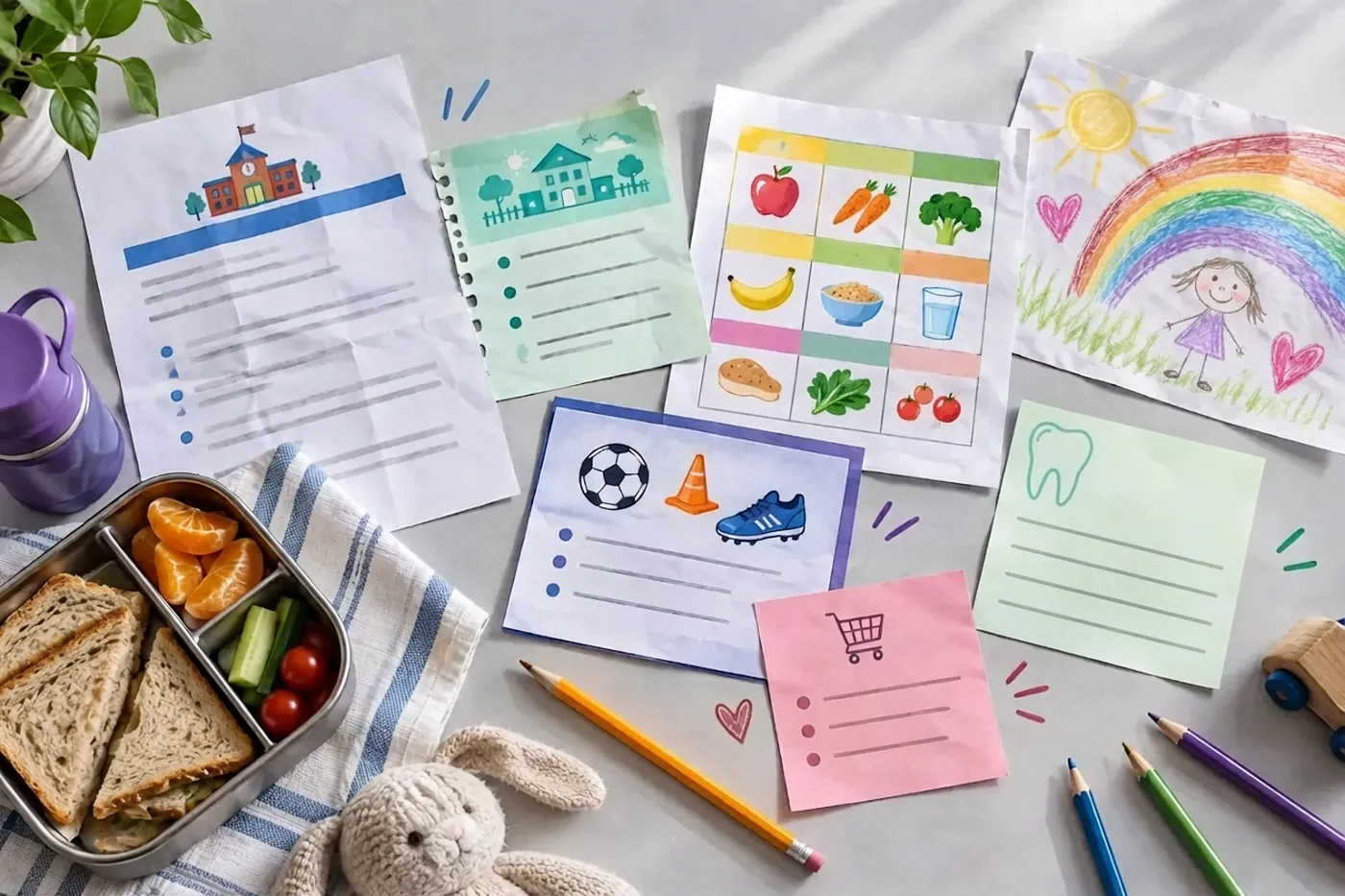
School sends a circular. Daycare clips a note to the bag. The nutritionist hands over a chart, coaching changes its timings, the dentist sends a check-up reminder, and you still have your own list. Parentodo brings it into the one list your family already checks.

  • School
  • Daycare
  • Meals
  • Coaching
  • Health
  • Personal
A table covered in a family’s paperwork: a school notice, a daycare update, a meal chart, a football coaching card, a clinic card, a pink shopping list and a child’s drawing, beside a lunchbox.
School notice
Daycare update
Meal chart
Coaching
Clinic card
Your own list

Share it the way it reached you

  • WhatsApp image
  • Instagram post or reel
  • Photo of a paper notice
  • School or class PDF
  • Public image or PDF link
  • ChatGPT image link
  • Pasted text
  • Typed in your own words

A day with Parentodo

One Thursday, from breakfast to bedtime.

Six ordinary messages, from six different places, become one calm list. School is just one of them. Every screen below is the app as it looks today.

7:15 AM

Meals

The nutritionist’s chart lives on the fridge. Snap it once, and each meal becomes a slot you tick off, with a nudge 15 minutes before.
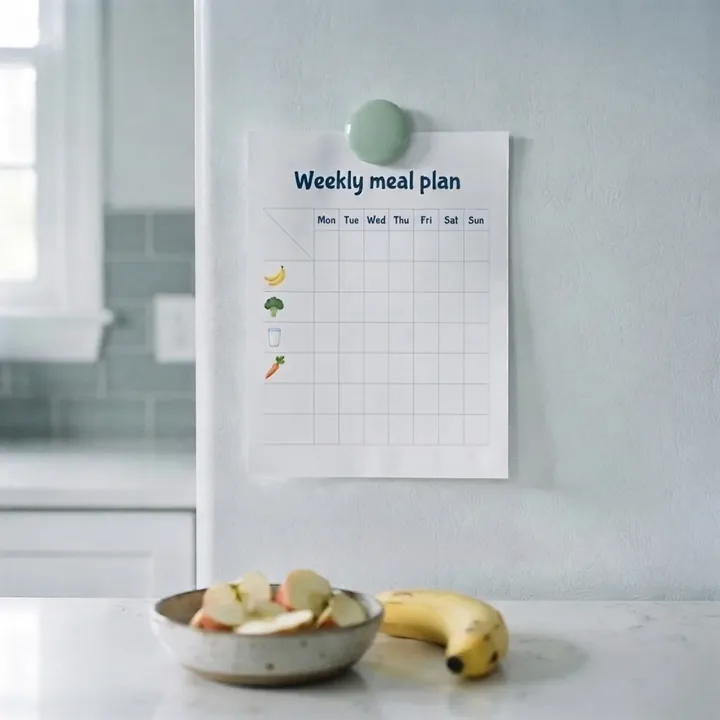
A weekly meal plan held to a fridge door by a green magnet.
Photo of a meal plan

On Today

On Today: Anaya’s meal plan, 0 of 3 feeding slots given today. Next up at 7:30 AM, breakfast: poha and a banana.


8:10 AM

School

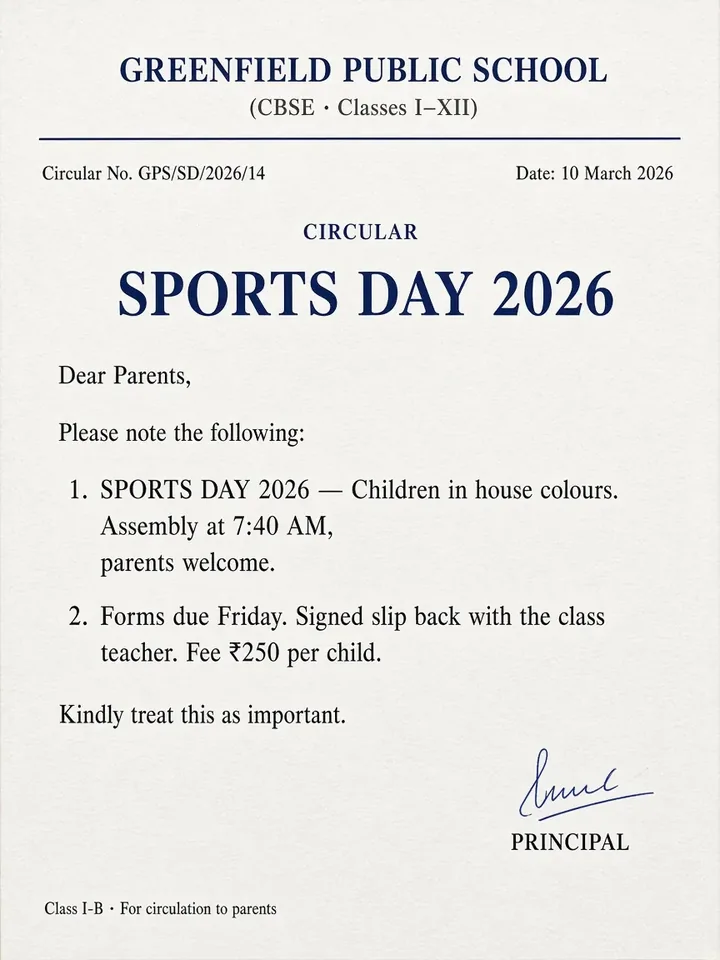
The Sports Day circular lands in the class WhatsApp group. Share the image, and Parentodo finds the form, the event and the fee, then asks you to confirm.

A school circular for Sports Day 2026: assembly at 7:40 AM, forms due Friday, a ₹250 fee per child.
WhatsApp image

In Review

In Review: 3 items from this notice, 2 need a date. Return the signed form, action required, School, Aarav, due Sep 11, with Edit, Remove and Confirm.

12:30 PM

Daycare

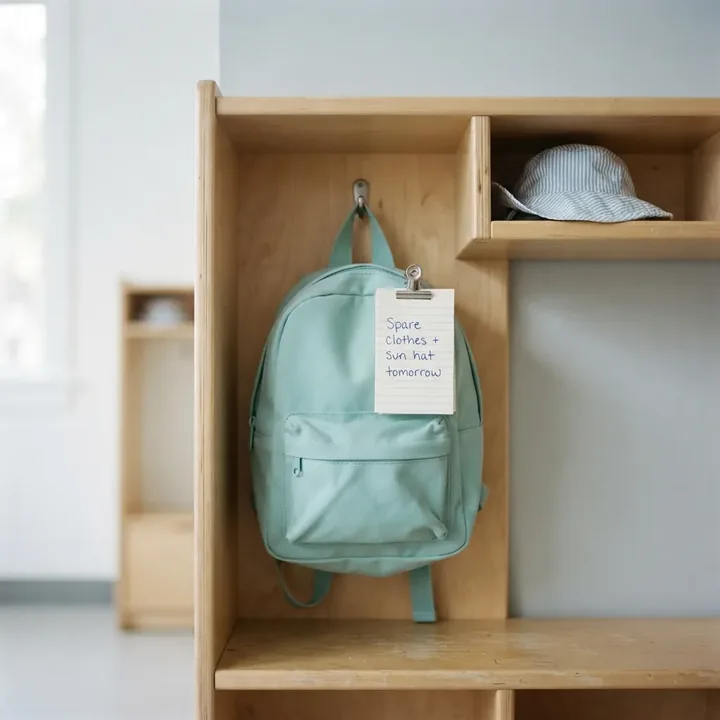
A note is clipped to Anaya’s bag at pickup. Take a photo, and your phone reminds you this evening, before tomorrow’s drop-off.

A handwritten note clipped to a child’s teal backpack in a daycare cubby: spare clothes and sun hat tomorrow.
Photo of a note

Reminder at 6:00 PM

Reminder at 6:00 PM: Tomorrow: Pack spare clothes and a sun hat. Anaya, due Friday 11 Sep.

2:15 PM

Coaching

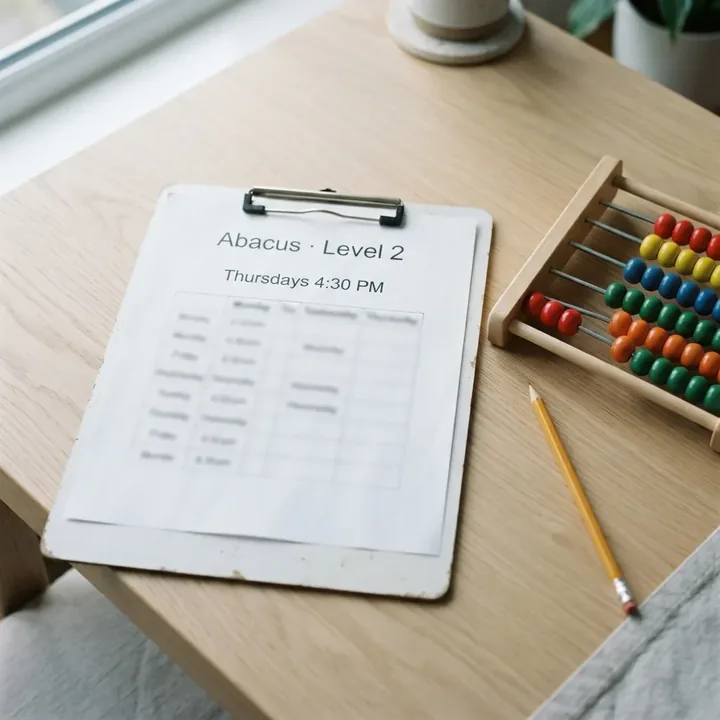
The abacus centre sends its term timetable as a PDF. Every Thursday class shows up on Aarav’s day.

An abacus class schedule on a clipboard beside a wooden abacus: Level 2, Thursdays 4:30 PM.
Timetable PDF

On Today

On Today, Left to do today: Abacus class, due today at 4:30 PM, Coaching, Aarav.

6:00 PM

Health

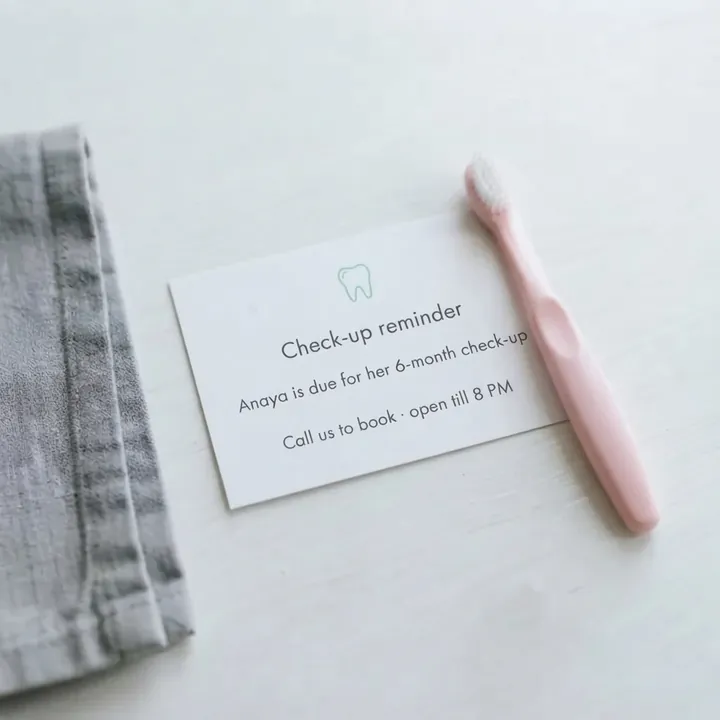
The dentist’s card says Anaya’s six-month check-up is due, and the clinic takes calls until 8. When Parentodo is less sure, it tells you, so you can check the card before you confirm.

A dentist’s reminder card saying a six-month check-up is due, beside a child’s toothbrush.
Photo of a dentist’s card

In Review

In Review: Book dental check-up, task, Health, AI less sure, Anaya, due today at 8:00 PM, with Edit, Remove and Confirm.

9:30 PM

Personal

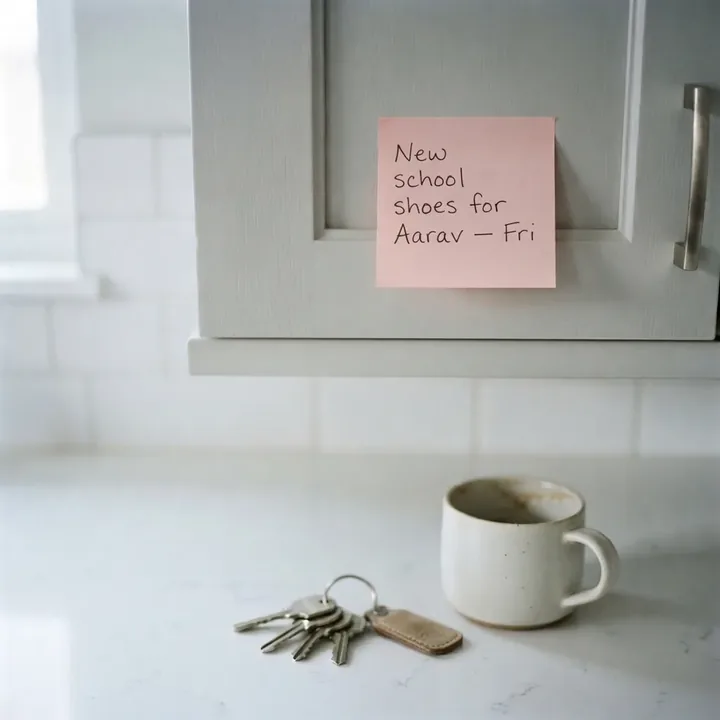
And the things only you remember. Type them in your own words, and they wait with everything else for tomorrow.

A pink sticky note on a kitchen cabinet: new school shoes for Aarav, Friday.
Typed in

On Today, under Upcoming

On Today under Upcoming, all on September 11: Return the signed form for Aarav, Pack spare clothes and a sun hat for Anaya, and Buy new school shoes for Aarav.

By bedtime, six parts of the day sit in one list, and tomorrow is already on it.

How it works

Share. Confirm. Never miss it.

The same three steps for every part of the day, whoever sent it.

1

Share what reaches you

Share an image, PDF or public link from WhatsApp, your photos, files or browser. Or paste text, or type it yourself. Parentodo never reads anything you don’t send it.

2

Confirm what’s right

Parentodo suggests tasks, dates and reminders, and flags what it’s unsure of. Edit, remove or confirm. Nothing saves on its own.

3

Let the list hold it

Confirmed items land on Today for the whole family. By default your phone reminds you at 6:00 PM the day before and 8:00 AM on the day.

A family getting ready on a weekday morning: the father packs a lunchbox, the mother ties her daughter’s hair and the son zips up his school bag.
Same list, both phones

Household

Both parents. One list.

Stop being the family’s notification system. Whoever the message reached, it lands on the list you both check.

  • Invite with a link or a six-character code. Your co-parent joins the same family list.
  • Either of you can share things in. Review happens on the phone that shared; what you confirm shows up for both.
  • Tap “I’ve got this.” Take a task as yours, and your name shows on it for the whole family.
  • Reminders on both phones. Each phone schedules the same reminders for the family’s items.

Honest by design

AI suggests. You decide.

Parentodo reads what you share and suggests what it might mean. What gets saved, who sees it and when your phone reminds you stay with you.

Share-only, never snooping

No background chat reading, notification listeners or accessibility services. Parentodo sees only what you share.

Nothing saves on its own

Every import opens in Review. Edit, remove or confirm, and add a date when one is missing.

Your phone holds it first

Saved items work offline and sync with invited family. Reminders are scheduled by each phone, not a server.

For parents, not children

Built for the adults who run the household. Parentodo is not directed at children.

Good to know

Questions parents ask.

Something else? Write to support@parentodo.com.

What can I organise with Parentodo?

You can organise the information behind school notices, daycare updates, diet charts and feeding schedules, coaching plans, doctor’s and dentist’s appointments, activities and personal family tasks. Share an image or PDF, a photo, copied text, a public Instagram post or reel URL, or a public image or PDF link. Parentodo does not import private or login-walled pages.

Does Parentodo read WhatsApp in the background?

No. Parentodo has no WhatsApp integration, notification listener or accessibility service. You choose what to share; copied text is pasted by you.

Do I review AI suggestions before they save?

Yes. Imports open in Review, where you can edit, remove or confirm suggestions and set a missing date. You choose what gets saved.

Can both parents use Parentodo?

Yes. Invite a co-parent to the same family list. Family members can see and edit shared tasks, children, routines and holidays; you can optionally assign a task to one responsible caregiver.

What happens to the information I share?

Parentodo processes the information you choose to share. AI imports are sent securely through Parentodo’s servers to Google Gemini for suggestions, and family data syncs with invited household members. Read the Privacy Policy for details.

Which platforms are supported?

Parentodo is coming to Google Play for Android first. An iOS version is planned; sharing into the app on iOS still needs work.

How much does Parentodo cost?

Parentodo is free at launch, with no ads. Join the waitlist and we’ll send one invite when it’s available on Google Play.

What works without internet?

Saved items remain on your phone and sync when you’re back online. AI imports need an internet connection. Reminders are scheduled by your phone, not a server.

Be there on day one

Tomorrow, already sorted.

Share what the day sends. Confirm what matters. Let Parentodo hold the rest.

Android firstFree at launchNo ads

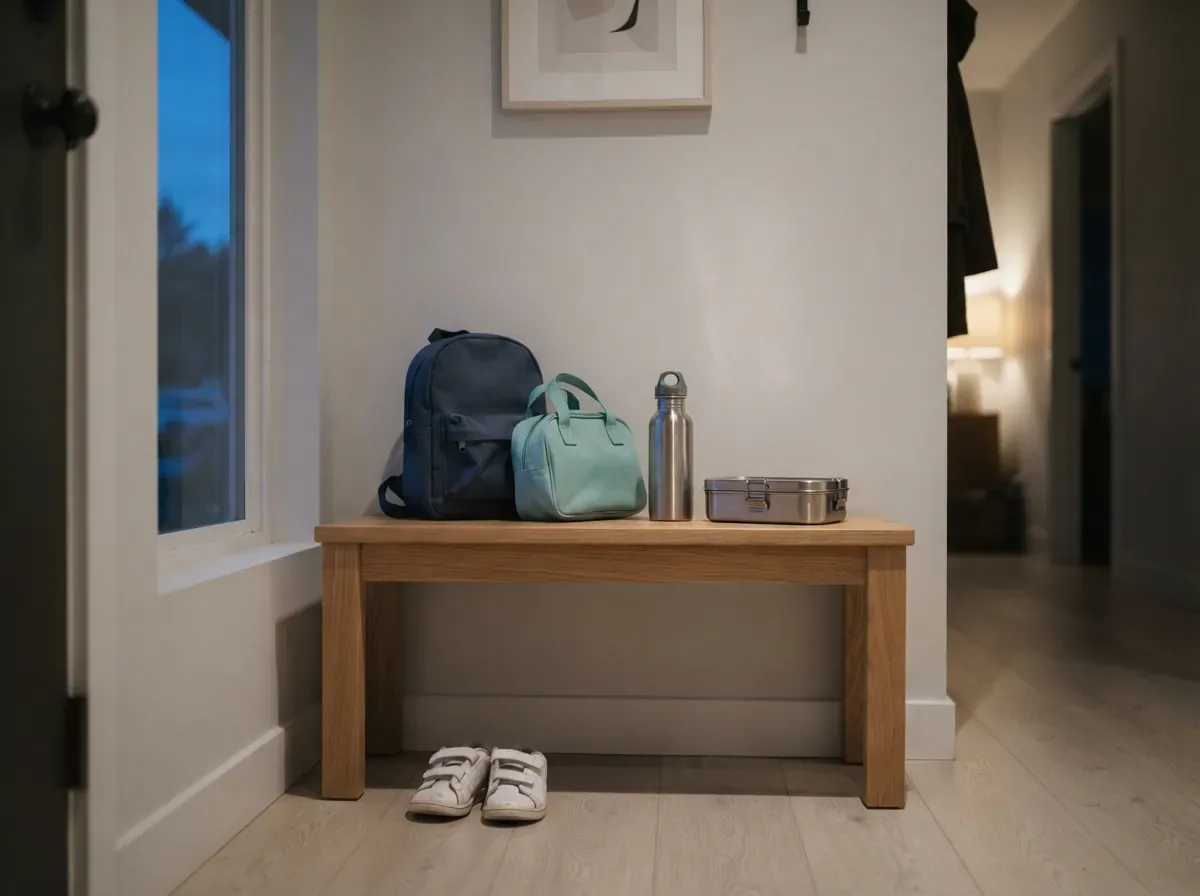
Evening by the front door: a school backpack, a daycare bag, a water bottle and a lunchbox ready on a bench.
Join the waitlist